Why My Software Has Zero Built-In Integrations
5 min read
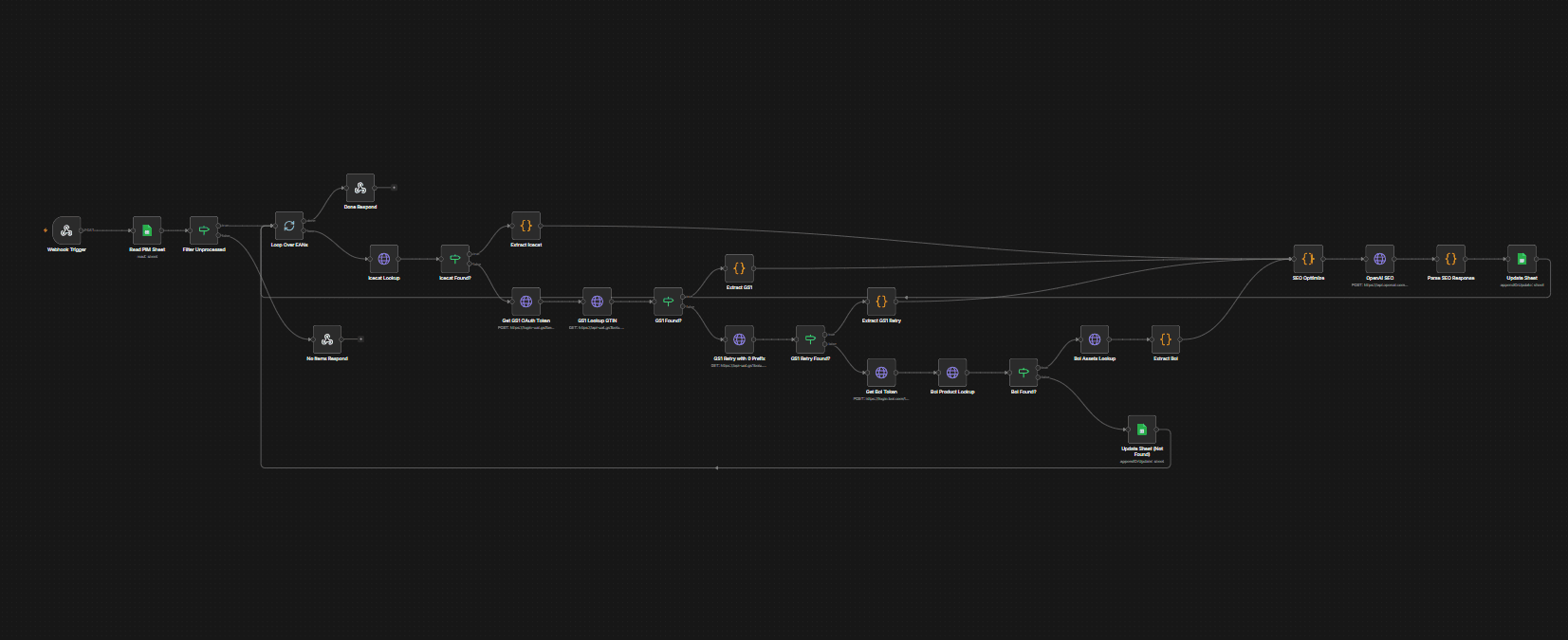
Every application I build ships with zero built-in integrations. No hardcoded API calls to third-party services, no integration modules bundled into the codebase. Instead, all of that lives in n8n — a self-hosted iPaaS platform that acts as the connective tissue between systems.
The Problem with Built-In Integrations
Most software has integrations baked directly into the code. Stripe webhooks in your API routes. Slack notifications triggered from your services. CRM syncs buried in your data layer.
This creates a few problems:
- When an external API changes, your app breaks. A third-party updates their endpoint, and suddenly your core application is throwing 500 errors — even though your actual code is fine.
- Debugging is painful. When something goes wrong with an integration, you're digging through application logs, tracing requests across services, and trying to reproduce API calls from within your codebase.
- Coupling kills agility. Swapping out one integration for another means touching application code, writing migrations, and deploying a new version of the entire app.
How n8n Changes This
By moving all integrations to n8n, the application itself stays clean. It exposes webhooks and APIs, and n8n handles everything else — connecting to ERPs, syncing with e-commerce platforms, pushing data to accounting systems, triggering notifications.
If an API breaks, you see it immediately in n8n. The error is isolated, visible, and fixable without touching your application. No redeployment, no risk of side effects in your core code.
Automations That Run Parallel to Existing Systems
Beyond just integrations, I build automations that run alongside a client's existing tools. Instead of ripping out what they already use and replacing it with one monolithic platform, I create workflows that connect and enhance what's already there.
The result is one cohesive system instead of 100 disconnected apps. Their existing ERP, webshop, accounting tool, and warehouse system keep running — but now they actually talk to each other. Data flows automatically, processes trigger in sequence, and the client gets a unified view without having to abandon tools their team already knows.
A Real Example
For one client, their daily workflow involved manually exporting orders from their webshop, importing them into their ERP, updating stock levels by hand, and then syncing everything back. Four systems, zero communication between them.
I built n8n workflows that handle all of this automatically: - New orders flow from the webshop into the ERP in real-time - Stock levels sync bidirectionally between warehouse and webshop - Invoices generate automatically and push to their accounting system - The client gets a daily summary in Slack with key metrics
Their application code? It just manages their core business logic. No integration code, no API clients, no sync jobs. Clean.
Why This Matters
Keeping integrations out of your application code means:
- Your app never breaks because of a third-party — integration issues are isolated in n8n
- Debugging is visual and instant — you can see exactly where a workflow failed and retry with one click
- Swapping services is trivial — change the n8n workflow, not your application
- Clients keep their existing tools — automations enhance what they have instead of replacing it
The best integration is one your application doesn't even know about.